01
On your device
Every shot and every video is processed on the device. All our server knows is the account you signed in with.
Three months of training, a month of a newborn, a hundred days of healing. What you can't see day to day shows up the moment you put two days side by side. Yesterme builds that comparison, one shot a day.
One email on launch day. No marketing, unsubscribe anytime.
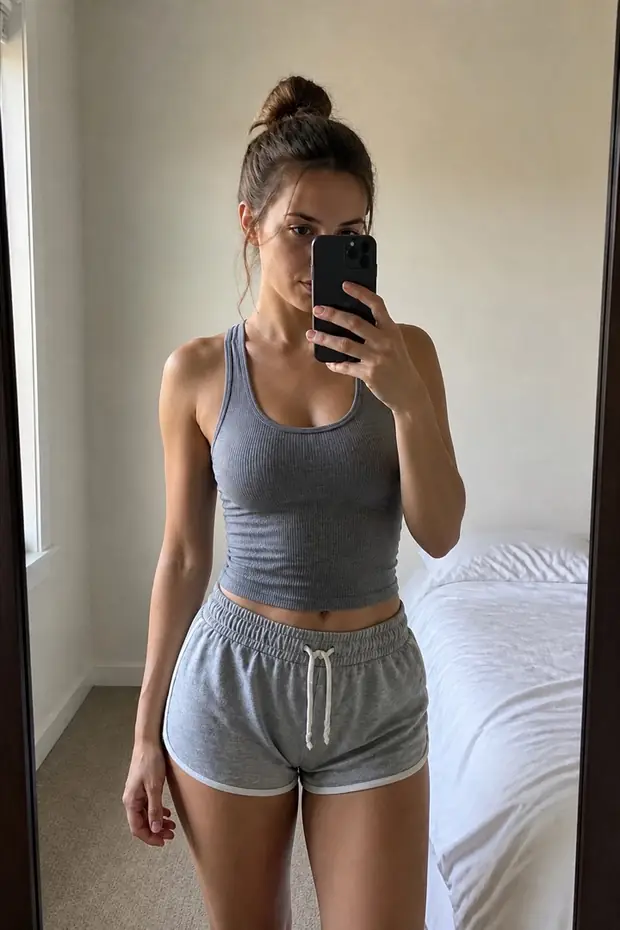
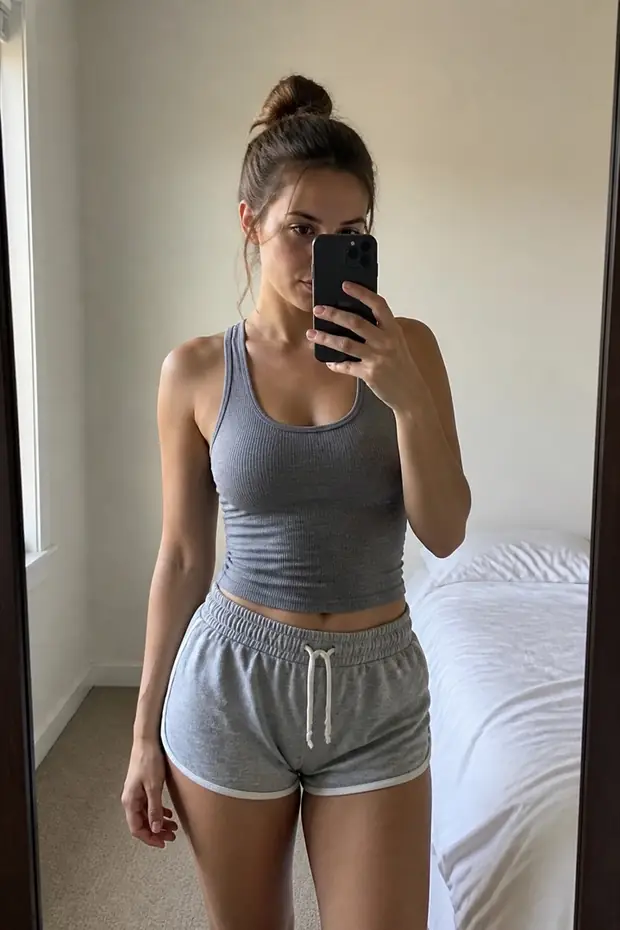
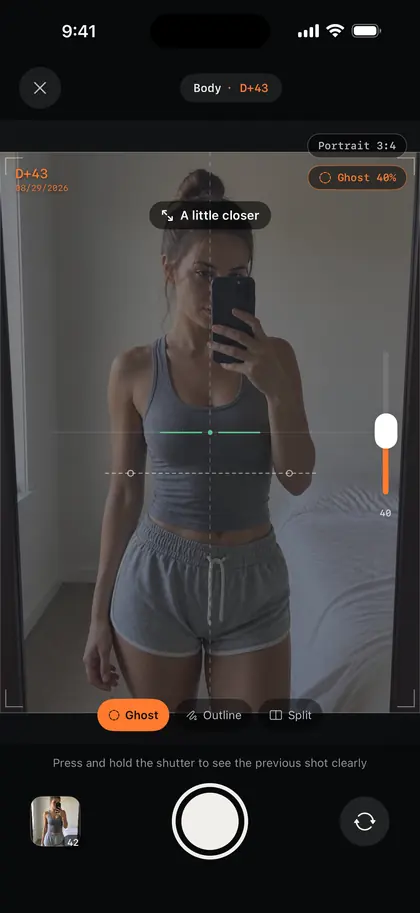
Your last shot fades in over the viewfinder. Line up the silhouette and the framing matches. Drag the handle.
01 — Framing
A translucent overlay washes out on a bright wall, and outlines get busy in a cluttered room. So there are three ways to see the last shot. Try them.

02 — Alignment
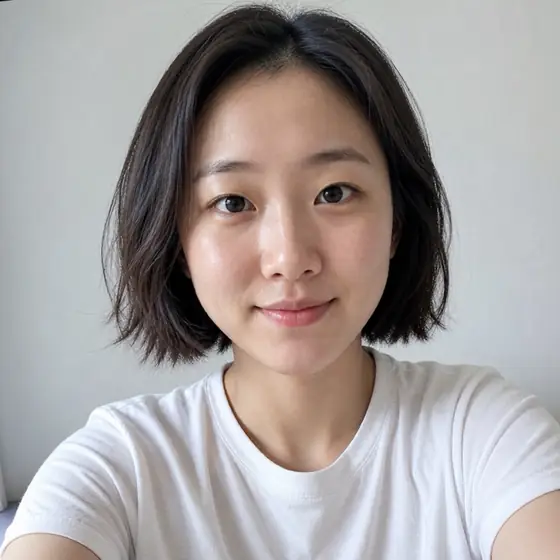
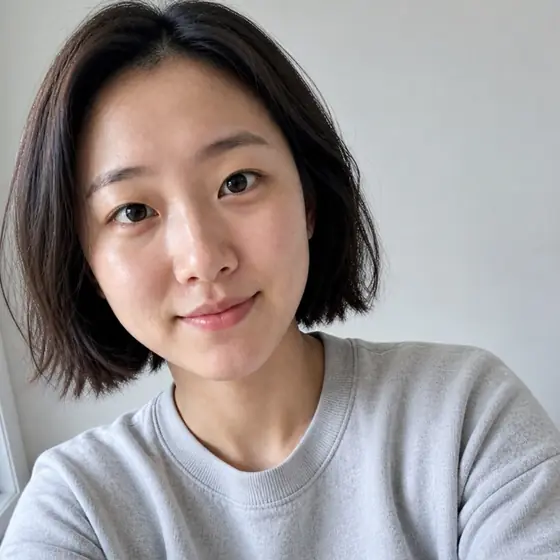
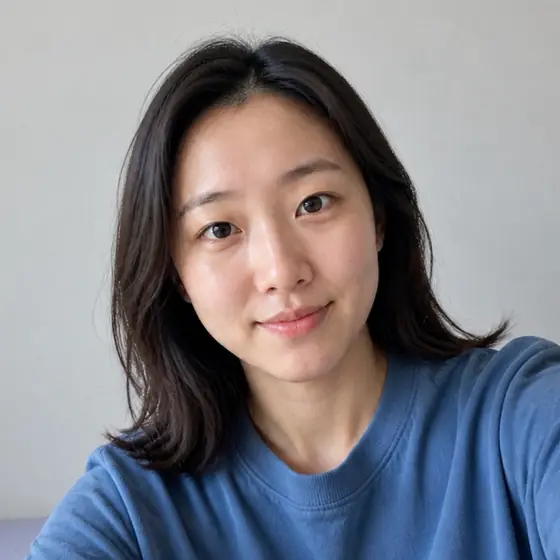
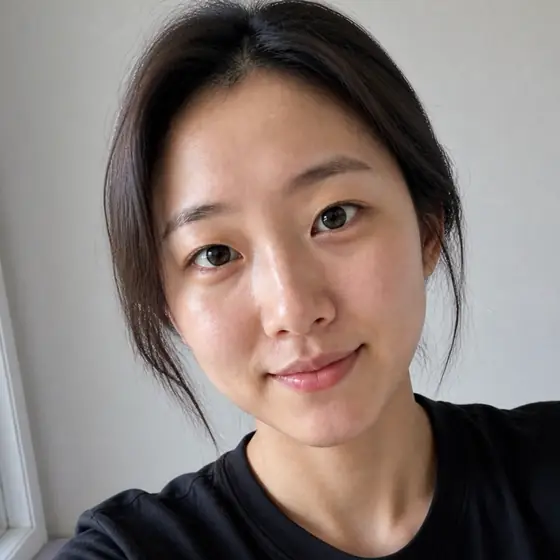
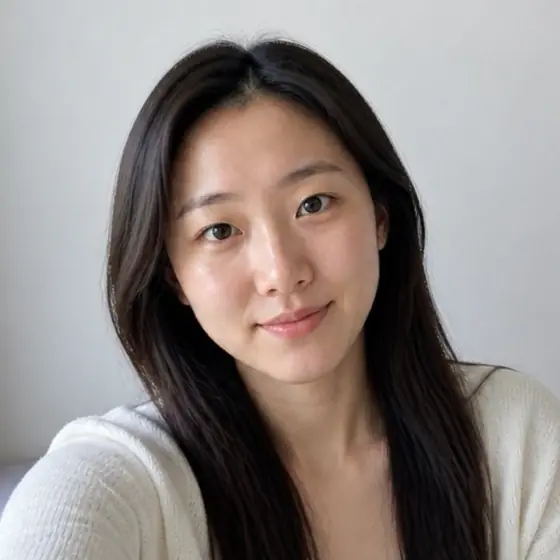
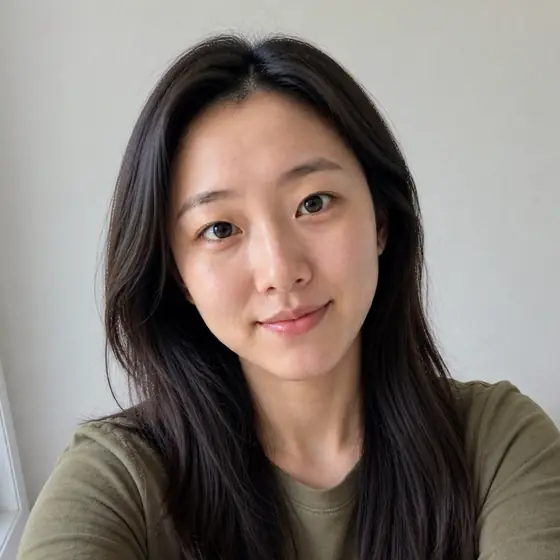
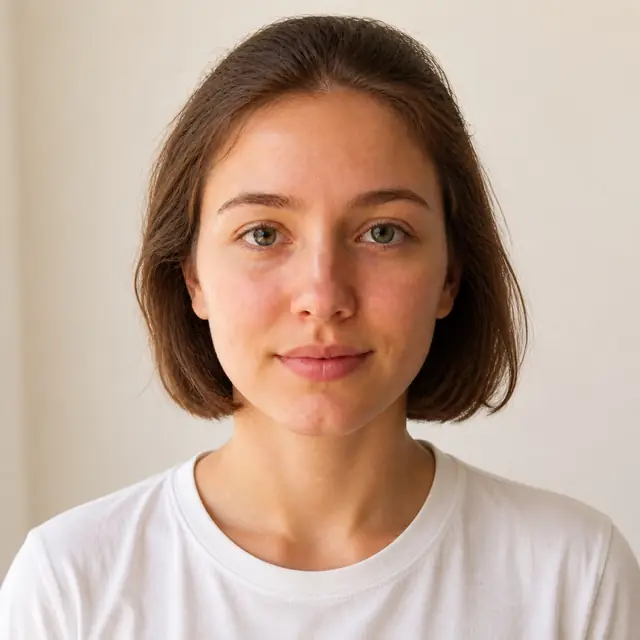
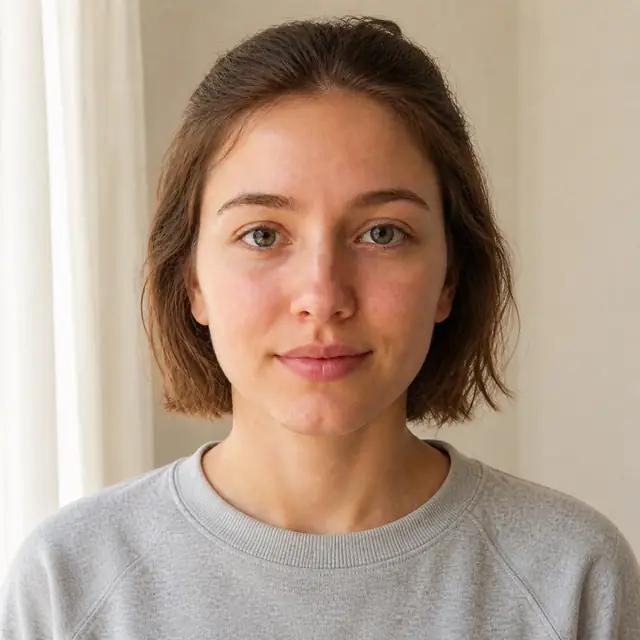
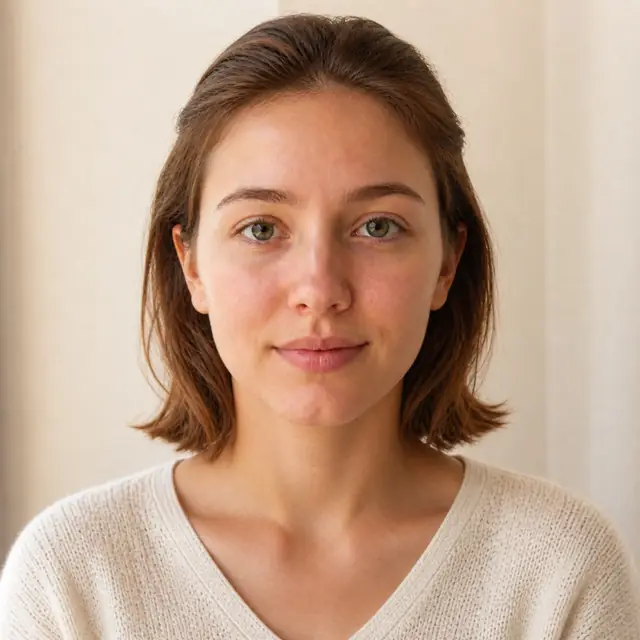
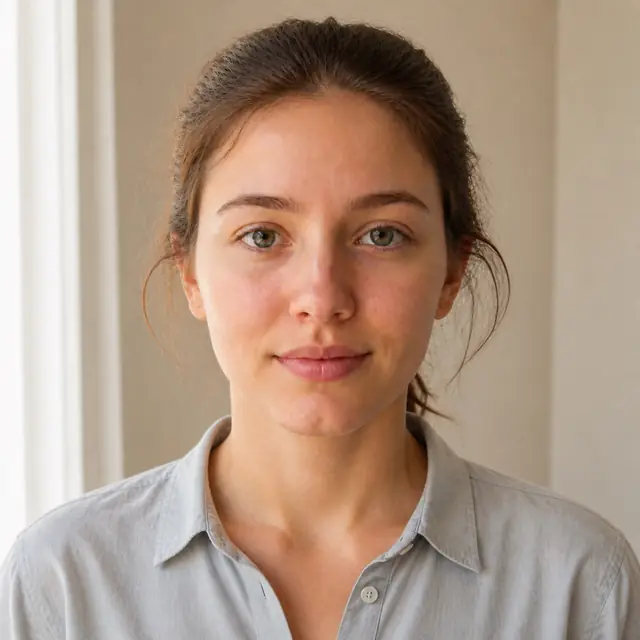
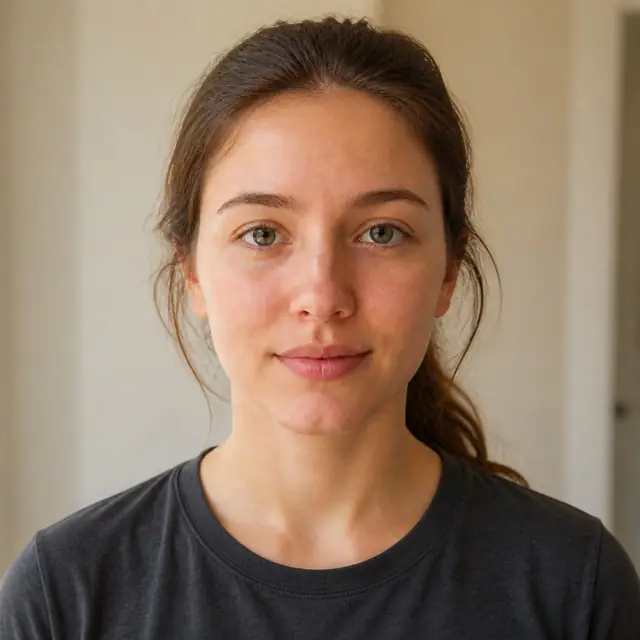
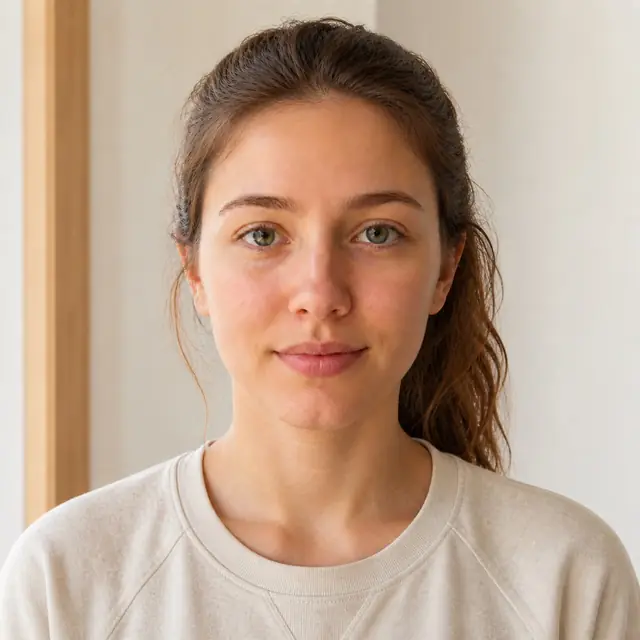
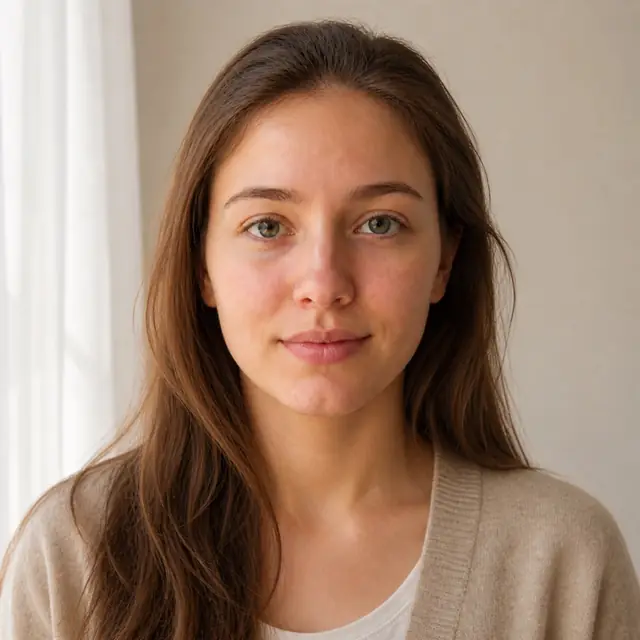
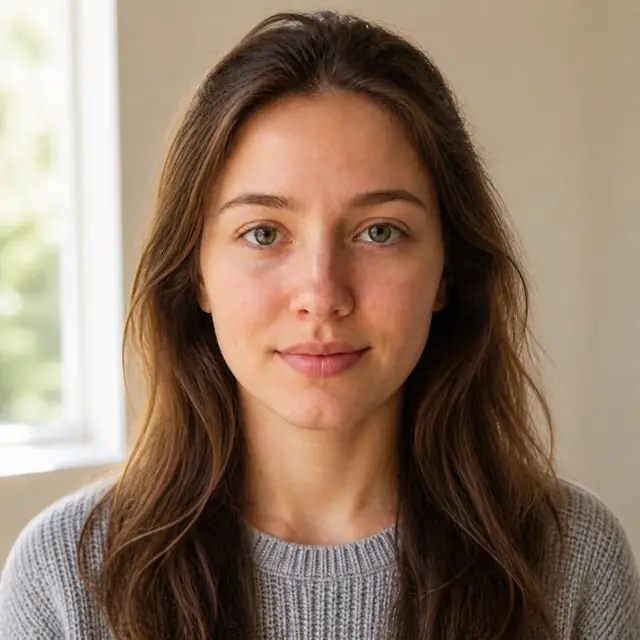
Even lined up by hand, every day drifts a little. In a face library, frames align themselves on eye position when you render. The six shots below were taken at deliberately different distances and angles.
Frame 1 / 6 · anchor eyes · runs on device
These six frames are the real output of the app's own aligner (Vision face detection plus its alignment plan), compiled and run on the source images. Nothing here is re-created in the browser.
03 — Developing
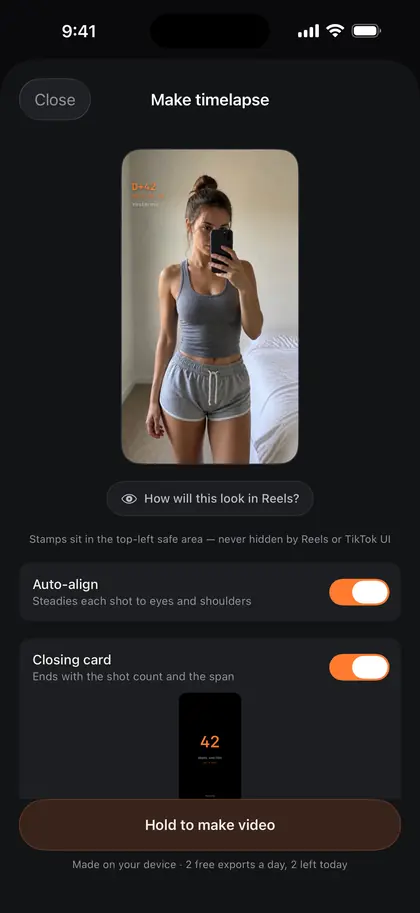
Take a shot on day 7 and the first week renders right there. Same at D+30, D+50, D+100. Drag the handle and a hundred and twenty days go by.
The day count and date stay pinned top-left — clear of the like and comment buttons when you post to Reels or TikTok.
04 — Comparison
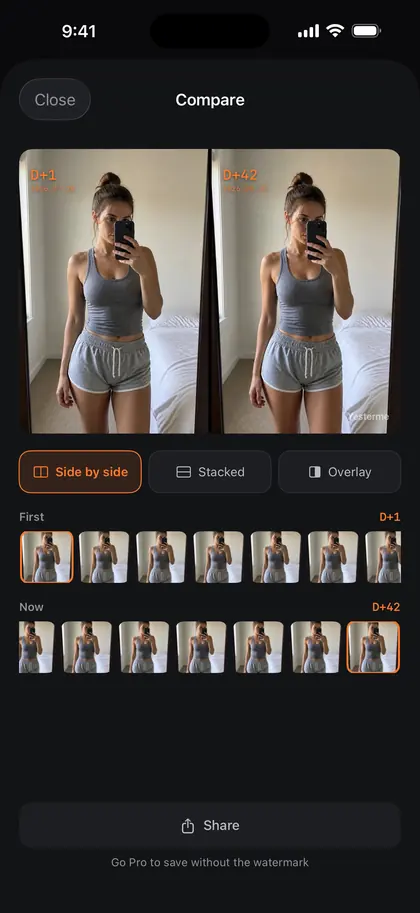
A video plays the change out over time. A comparison stands the first day and today next to each other. Side by side or stacked, shared as is.
Drag the divider.
05 — Subjects
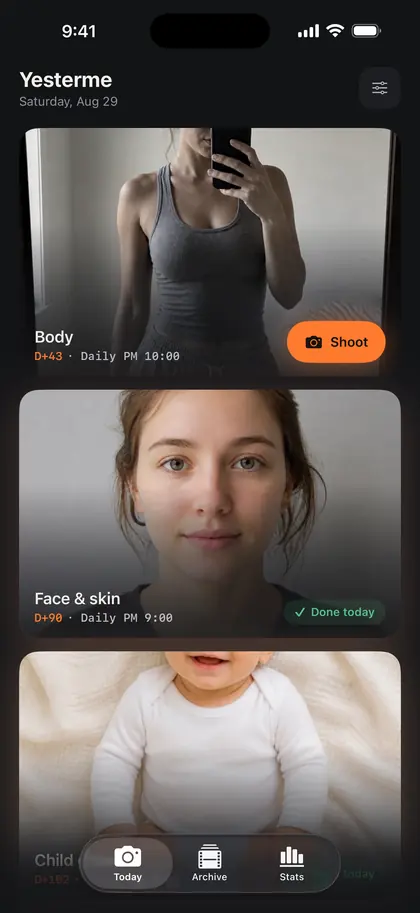
Reminder time, aspect ratio, and the anchor used for alignment all differ by subject. Pick one and you're done — then choose how often to shoot.
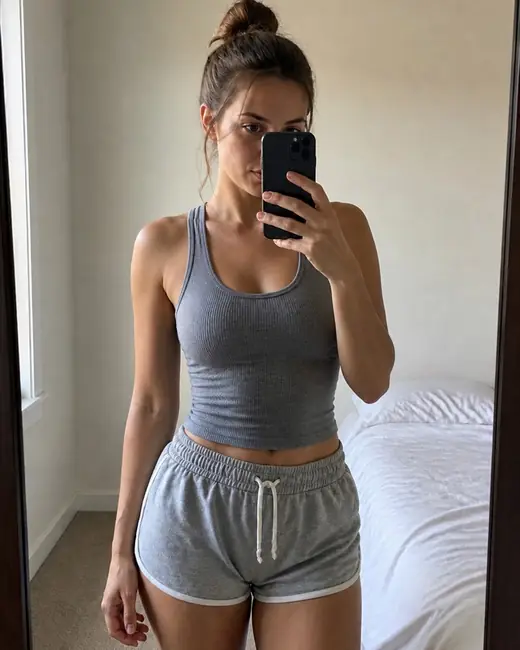
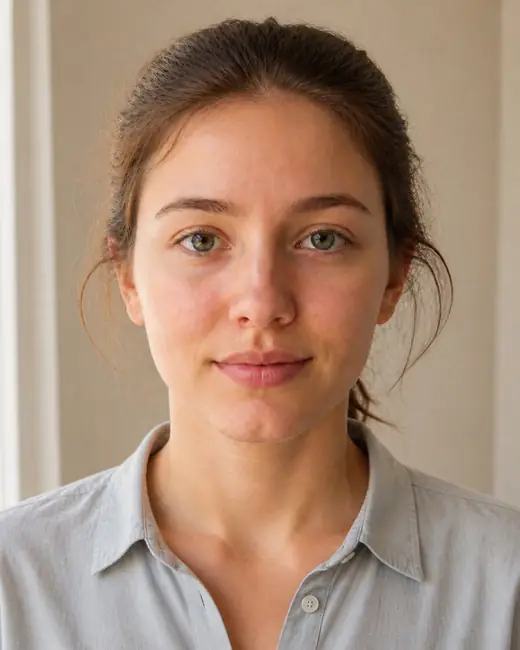

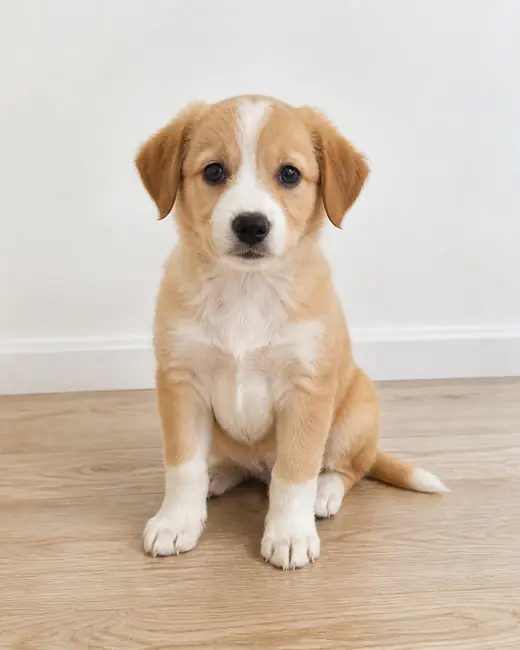
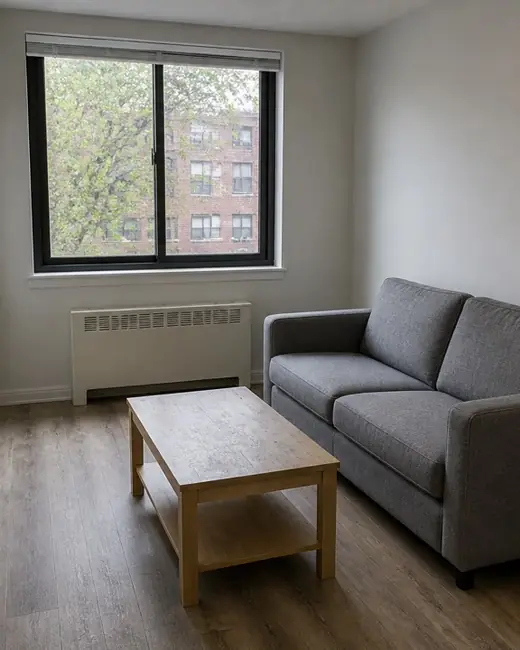
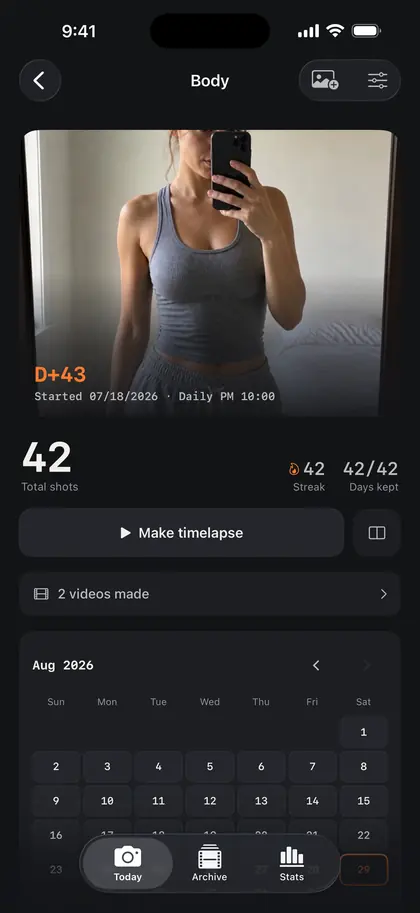
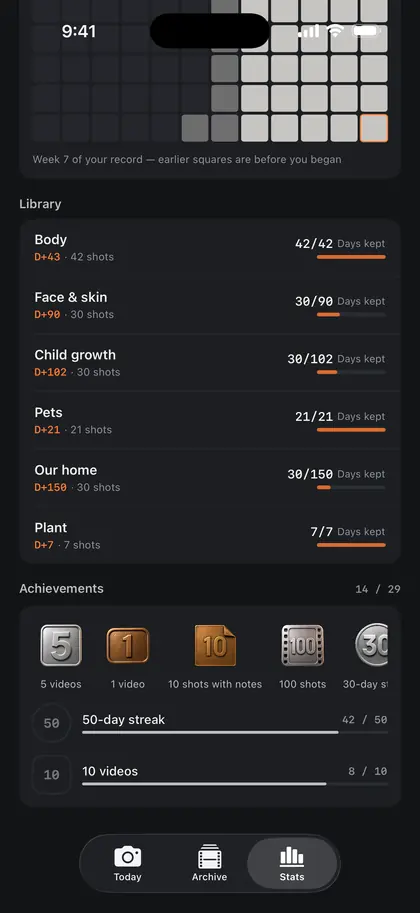
Screens from the launch build.
Privacy
Bodies, babies, healing — the more private the record, the more the first question is where it lives.
Every shot and every video is processed on the device. All our server knows is the account you signed in with.
Lock the app so nobody else opens it. Free.
Send full copies straight to the Photos app. Nothing is held hostage.
One reminder at the time you pick — daily, every other day, or set weekdays. Once you've shot, that day's reminder turns itself off.
Streaks build as you go. A day you miss is covered by a Freeze you've earned — one more each time you pass a milestone.
Whether today's shot is done, and how long the streak is, without opening the app.
Pick photos from the Photos app and each lands on the day it was taken. Add six months at once and render that evening.
There are no filters. Not being able to stage it is exactly why the record counts as evidence.
Unlimited libraries, 4K with no watermark, stamp styling. The free tier keeps working.

We'll tell you the moment it's ready.
One email on launch day. No marketing, unsubscribe anytime.